Integrating Mirage AC unit in Home Assistant
A few months ago, I bought a mini-split air conditioner that is currently installed in my kids’ room (I have two, by the way). The model is a Mirage Magnum 22. This detail is important.
Everything has worked well with the unit at home, but I find it difficult to memorize all the modes on the remote control since, naturally, it was not designed with accessibility in mind. Although it beeps whenever an option is changed, more than once I have found that it was in a different mode from the one I thought I had selected, or set to a different temperature.
Sometimes, in fact, I have noticed that trying to turn it off by pressing the corresponding button actually puts it into some kind of strange cleaning mode. From there, getting it back into cooling mode can be somewhat complicated because I do not know exactly how I ended up in cleaning mode in the first place.
There are ways around this. The simplest solution is to take pictures of the remote’s display every time I press a button, but this quickly becomes tedious if I want to change the mode, temperature, and fan speed at the same time.
Fortunately, while looking through the specifications for this particular model, I discovered that I could purchase a separate WiFi module that would add smart connectivity to the unit. That module could then be connected through the manufacturer’s own app to control the air conditioner.
Since I have already been using Home Assistant for some time, I figured it would be smarter, no pun intended, to hand that responsibility over to the same interface I already use to control other parts of my home.
The first thing I found was that there is no official Home Assistant compatibility with the module provided by Mirage. I also discovered that the mini-split I own is actually manufactured, at least partially, by Midea. At the very least, the main control board and therefore the WiFi module are Midea-based.
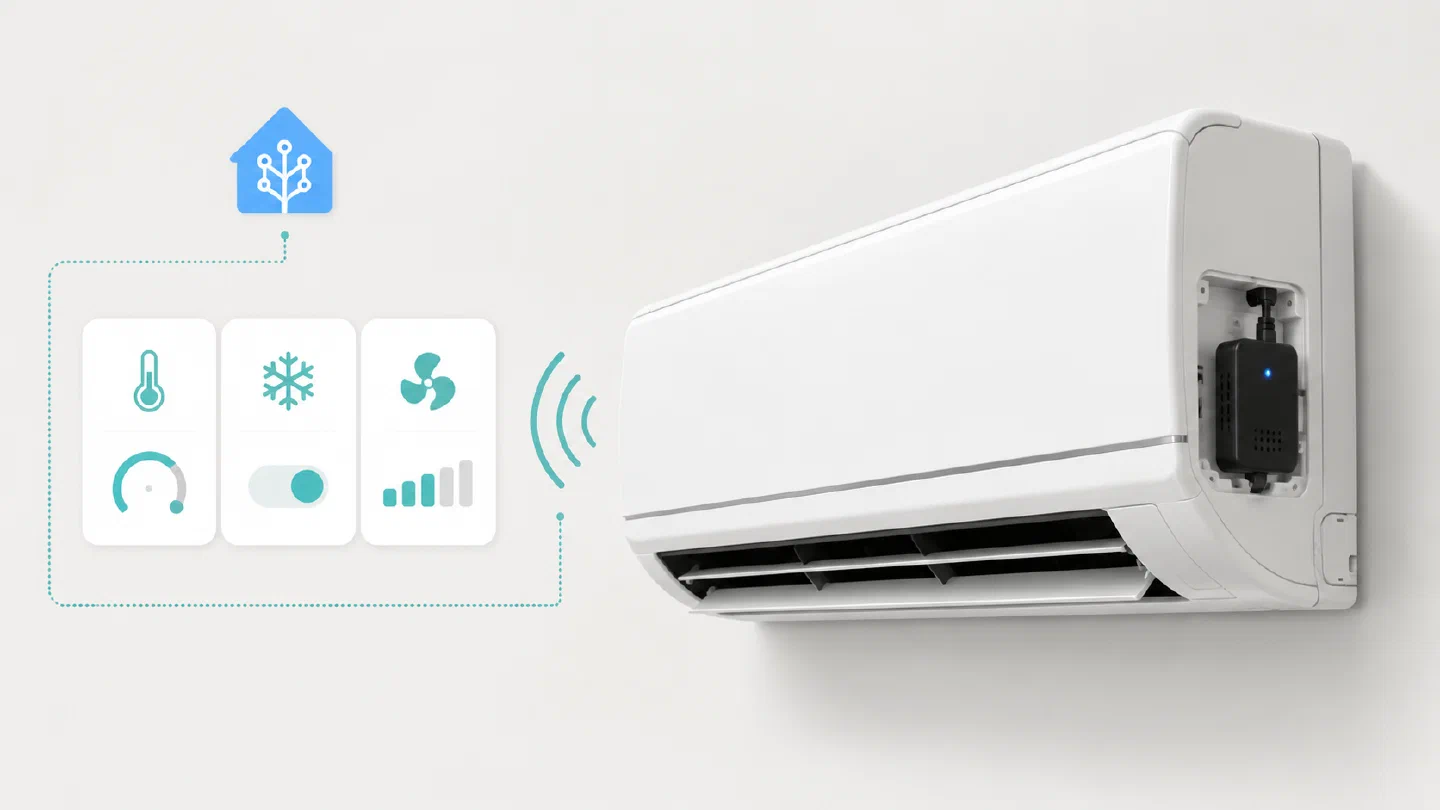
That made things much easier because there is a device called the SMLIGHT SLWF-01 Pro. It is an ESP32 with what I understand to be a sort of serial-to-USB adapter. It connects in place of the manufacturer’s official module and gives Home Assistant access to practically everything important about the unit.
Apparently, according to several users, this module can be connected without any problems and is detected by Home Assistant. It already comes flashed with the correct firmware, so it is essentially plug and play.
The setup could hardly be simpler. It is recommended to disconnect power from the air conditioner first to avoid any problems. The module is then plugged into the slot intended for the WiFi module. On my particular unit, it sticks out slightly because it is a little larger than the official module, but not enough to prevent the mini-split’s cover from closing properly or cause any other issues.
According to the device’s documentation, the setup process is as follows:
- Connect the module to the unit’s USB port.
- Once it receives power (the air conditioner itself does not need to be turned on; the module remains powered regardless), it will create a WiFi network called “AC WiFi.” Connect to it using the password
slwf01pro. - Once connected, open a web browser and navigate to
192.168.4.1. - It will display the available 2.4 GHz wireless networks. Select the network that Home Assistant is connected to, enter the password, press Save, and wait for the module to restart.
- Once it has restarted, Home Assistant should immediately detect it as a new device ready to be added. After adding it, Home Assistant will expose the complete device along with its entities, services, and configuration options.
So, what can you actually do with it? Almost everything.
You can change the operating mode, fan speed, louver movement, and target temperature. It also exposes sensors that report the temperature inside the room (according to the indoor unit, which is not necessarily 100% accurate because the temperature sensor is located inside the unit itself), the outdoor temperature (with a similar caveat, since the reading may be affected depending on how the system is operating), the number of days the unit has been running, and more.
Overall, this information and these services make it possible to build some very useful automations and directly control the unit through Home Assistant.
The only feature that is not available, at least not without soldering additional hardware that I definitely have no intention of messing with, is the “Follow Me” mode.
Essentially, this is a mode in which the air conditioner’s remote control reports the temperature at the remote’s current location back to the mini-split. Its main purpose is to prevent the air conditioner from “thinking” that the room is already cool enough based solely on the temperature measured by the indoor unit itself.
In practice, at least for the way we use the mini-split at home with the kids, I have not really missed this feature.
